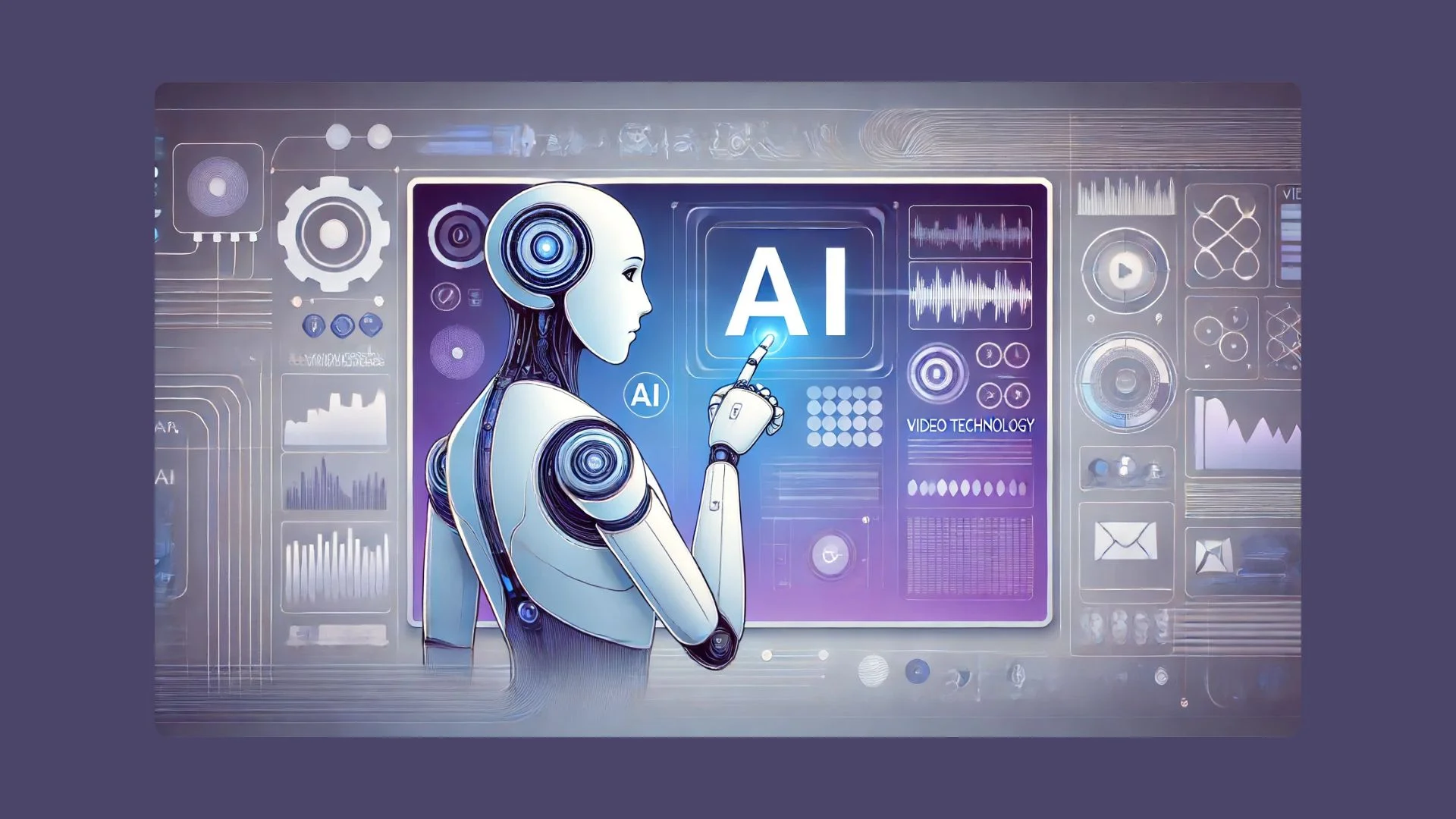


AI technology is changing how people create videos, and avatars are at the center of this shift. From marketing videos to online courses, digital avatars now make it possible to create human-like videos without filming, lighting, or even stepping in front of a camera. These tools are no longer limited to tech experts. Today, anyone can use them with ease.
If you are looking for the best AI avatar tools that help you create realistic, professional-looking videos, this guide covers the most reliable options available right now. These platforms focus on ease of use, realistic avatars, voice quality, and creative control.
Why AI Avatars Are Becoming So Popular
AI avatars solve a real problem. Many creators feel uncomfortable on camera or do not have the budget for studios, actors, or editors. With AI avatars, you can still deliver clear, engaging messages in video form.
Businesses use avatars for product explainers, onboarding videos, ads, and social media clips. Educators rely on them for lessons and training. Even bloggers and solo creators are now turning text into talking-head videos using AI avatars.
The biggest reason for their popularity is speed. What once took days can now be done in minutes.
How the Best AI Avatar Tools Actually Work
Most AI avatar tools follow a simple process:
- You write or paste your script
- Choose an avatar and voice
- Customize gestures, tone, or background
- Generate the video
Advanced platforms go further by offering custom avatars, lip-sync accuracy, multiple languages, and flexible editing options.
In the first steps of exploring the best AI avatar platforms, many users come across invideo because it combines avatar creation with full video editing features. Instead of just generating a talking head, invideo lets you build complete videos with scenes, visuals, text, and music around the avatar.
List of the Best AI Avatar Tools You Can Try Today
Below is a curated list of AI avatar tools that stand out for quality, flexibility, and ease of use.
1. Invideo AI Avatars
Invideo AI avatars are designed for creators who want more than just a talking face. The platform allows users to turn scripts into complete videos with avatars, visuals, and voiceovers in one flow. You can choose from ready-made avatars or create a custom avatar that matches your brand.
What makes invideo different is that it does not stop at avatar generation. You can edit scenes, add stock footage, change backgrounds, include captions, and adjust pacing. This makes it a strong option for marketing videos, explainers, and social content.
In the second paragraph of the workflow, many users also explore it as a free ai video app option because it allows video creation without complex setup or paid tools upfront.
Key highlights:
- Realistic avatars with lip-sync
- Multiple voice options and languages
- Full video editor included
- Custom avatar creation support
2. Synthesia-Style Avatar Platforms (Camera-Free Presentations)
These tools focus mainly on corporate and training videos. You select an avatar, type your script, and generate a clean, presenter-style video. They work well for internal communication and educational content.
While they offer polished avatars, editing options are usually limited compared to full video platforms. You often cannot add creative visuals or storytelling elements easily.
Best for:
- Corporate training
- HR onboarding
- Formal presentations
3. Talking Head AI Generators
Talking head generators focus on realism. They aim to create avatars that look very close to real humans, often using minimal expressions and clean backgrounds.
These tools are popular for news-style videos, explainers, and personal brand content. However, they usually require separate tools for editing or adding visuals.
Strengths:
- High realism
- Clean and professional look
- Fast rendering
Limitations:
- Limited scene control
- Less creative flexibility
4. Custom Avatar Creation Platforms
Some AI avatar tools allow users to upload their own photos or short videos to create a digital clone. These avatars look more personal and are often used by coaches, founders, and educators.
The downside is that setup can take longer, and results depend heavily on input quality.
Ideal use cases:
- Personal branding
- Online courses
- Coaching videos
5. AI Face Animation Tools
These tools animate still images to create speaking avatars. They are useful for quick projects, social media experiments, or creative storytelling.
While they are fun and fast, they usually lack advanced controls like scene editing, background changes, or brand customization.
Choosing the Right AI Avatar Tool for Your Needs
Not all AI avatar tools serve the same purpose. Before choosing one, ask yourself:
- Do you need full video creation or just an avatar?
- Will you use it for marketing, education, or internal use?
- Do you need multiple languages or voices?
- Do you want creative control over visuals?
Platforms like invideo are better for creators who want storytelling and flexibility, while simpler avatar generators work for straightforward talking videos.
AI Avatars and Content Quality
One concern many people have is whether AI avatars feel robotic. Modern tools have improved a lot in this area. Lip-sync accuracy, voice tone, and facial expressions are far more natural than before.
Good scripts still matter. A clear, conversational script makes any avatar feel more human. Short sentences, natural pauses, and simple words improve engagement.
If you are also exploring persuasive communication ideas, you may find inspiration in persuasive speech ideas that help structure avatar-led videos better.
Where AI Avatars Fit in Modern Content Strategy
AI avatars are not meant to replace humans entirely. They are tools that help scale content faster. Many creators mix avatar videos with real footage, screen recordings, or animations.
This approach works especially well for blogs that already cover debates, opinions, and educational content. For example, combining avatar videos with topics from argumentative writing can help turn written opinions into engaging video explainers.
Common Mistakes to Avoid When Using AI Avatars
Even the best tools can fail if used incorrectly. Here are a few mistakes to avoid:
- Overloading videos with long scripts
- Using stiff or overly formal language
- Ignoring background visuals
- Not matching voice tone with content intent
AI avatars work best when content feels natural and visually balanced.
Are AI Avatars Good for SEO and Engagement?
Video content often increases time spent on a page. AI avatar videos can help explain complex ideas quickly, which improves user experience.
When paired with strong written content, avatar videos can support SEO goals by improving engagement metrics. They are especially effective when embedded into blogs, guides, and educational articles.
Many creators publishing on the insightbizz blog format are already using visuals and structured sections, making avatar videos a natural extension of written content.
The Future of AI Avatars
AI avatars will continue to improve in realism, emotion, and customization. We can expect:
- More natural facial expressions
- Better emotion control
- Faster rendering times
- Deeper integration with full video editors
As tools evolve, avatars will become a normal part of everyday content creation rather than a novelty.
Conclusion
AI avatars have made video creation faster, easier, and more accessible than ever. Whether you are creating marketing videos, tutorials, or educational content, choosing the best AI avatar tool depends on how much control and flexibility you need.
Some platforms focus only on talking heads, while others like invideo allow you to build full videos around your avatar. By understanding your goals and content style, you can pick the right tool and create videos that feel human, clear, and engaging without ever turning on a camera.